
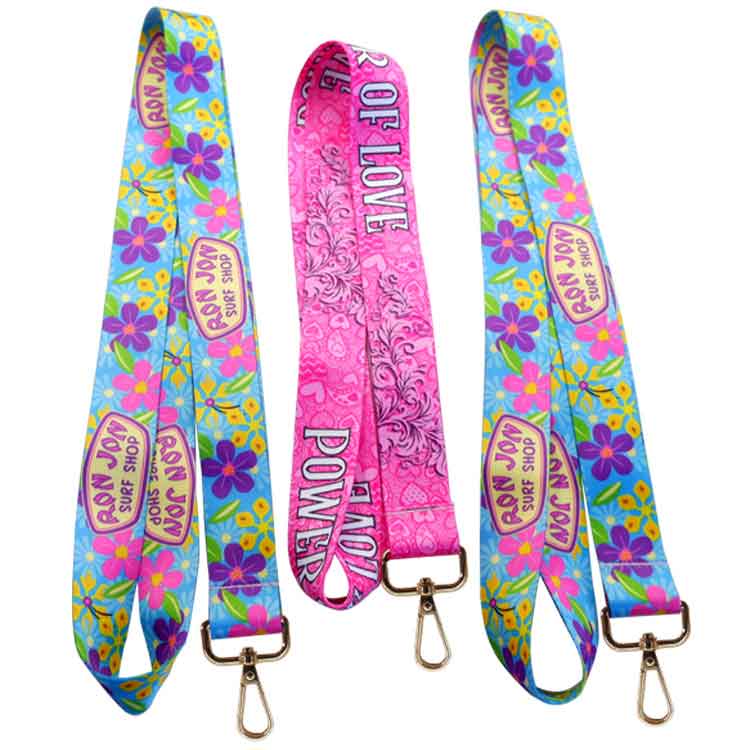
custom full color lanyards

custom lanyards with id holder

custom lanyards with plastic buckle

custom branded lanyards

custom short lanyards

custom lanyards with bottle opener

custom lanyards with Id card

custom polyester wristband

custom round lanyards

custom branded short lanyards
Can you explain how to create QR codes for my lanyards?
Creating QR codes for your lanyards can be a convenient way to easily access digital information linked to each lanyard. Here’s a guide on how to create QR codes for your lanyards:
1.Choose a QR Code Generator:
- Select a QR code generator tool. There are many free and easy-to-use online QR code generators available, such as QR Code Monkey, QR Code Generator, or QR Stuff.
2.Determine the Information to Encode:
- Decide on the type of information you want to encode in the QR code. This could include details like lanyard type, color, owner, maintenance history, or any other relevant information you want to associate with each lanyard.
3.Generate the QR Code:
- Input the information you want to encode into the QR code generator. Customize the design, size, and format of the QR code as needed.
4.Download or Generate the QR Code:
- Once you are satisfied with the QR code design, download or generate the QR code image file.
5.Print and Attach QR Codes:
- Print the QR codes on adhesive labels or tags. Attach the QR codes to the respective lanyards using clear tape, adhesive labels, or lanyard accessories like badge holders.
6.Link QR Codes to Digital Information:
- Ensure that each QR code is linked to the corresponding digital information in your inventory management system, spreadsheet, or database. This could be a webpage, document, or specific entry in your digital inventory.
7.Testing QR Codes:
- Test each QR code with a QR code scanner app on a smartphone or a QR code reader to confirm that it correctly links to the intended digital information.
8.Update Information as Needed:
- Regularly update and maintain the digital information linked to each QR code to ensure that it reflects the most current details about the associated lanyard.
9.Educate Users:
- Educate users on how to scan the QR codes and access the linked information. Provide instructions on using QR code scanning apps and the benefits of accessing the digital information.
By following these steps, you can create QR codes for your lanyards to easily access and manage digital information associated with each lanyard. QR codes can streamline the process of retrieving details about your lanyards and enhance organization and efficiency in managing your lanyard collection.